

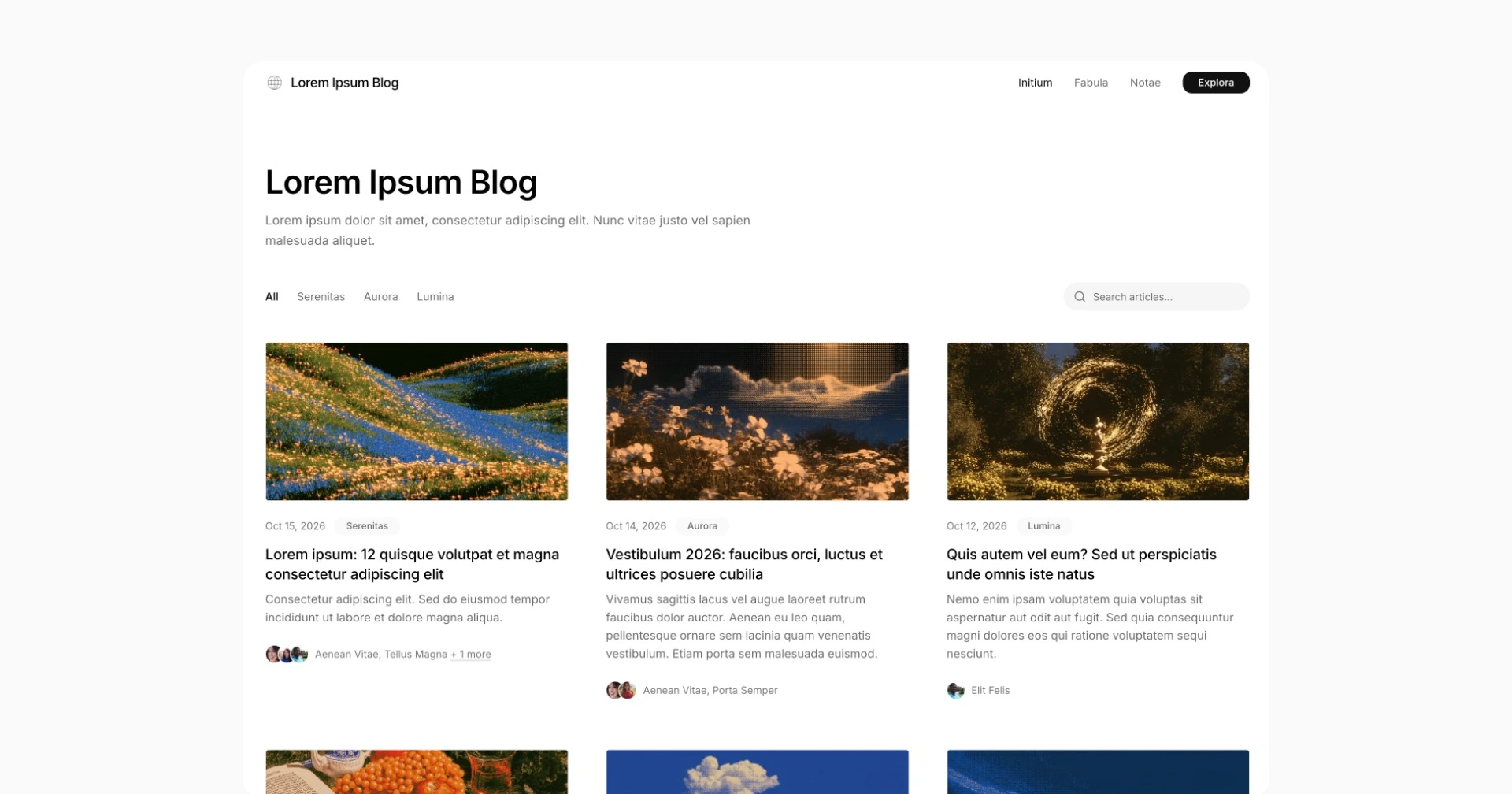
 Create a Lettercamp publication and see your first article in a local preview.
Prerequisites
Install Node.js 22.23.4 or newer, with npm. You need an internet connection to install the CLI packages, which include the starter. Check your version withnode --version.
Create and preview
1
Create a publication
public/.
To use hosted images and fonts instead, see the optional
remote assets setup.2
Start your preview
3000 when available and selects another port if needed.3
Write an article
Create Save the file. Your preview reloads, and the article appears on the homepage.
Open it to read your post. You can also edit or remove the starter articles
in
pages/hello-world.mdx:pages/. Press Ctrl+C to stop the preview.Next steps
- Write pages to learn about Markdown, MDX, and drafts.
- Site settings explains how to name your publication.
- Deploy to Lettercamp when you are ready to publish.
- Build for another host to host the static site yourself.